
Put it on your home screen
Free. English and Bahasa Melayu.
- Open muslimcareapp.com in SafariInstalling works from Safari on iPhone and iPad
- Tap the Share buttonThe square with an arrow, in the toolbar
- Choose Add to Home Screen, then AddIt opens full screen, like an app
Open muslimcareapp.com
On a computer?Scan with your phone camera to open the app there.
Not ready to install? Try the self-assessment as a guest
What's inside
All of this is in the app today, in English and Bahasa Melayu.
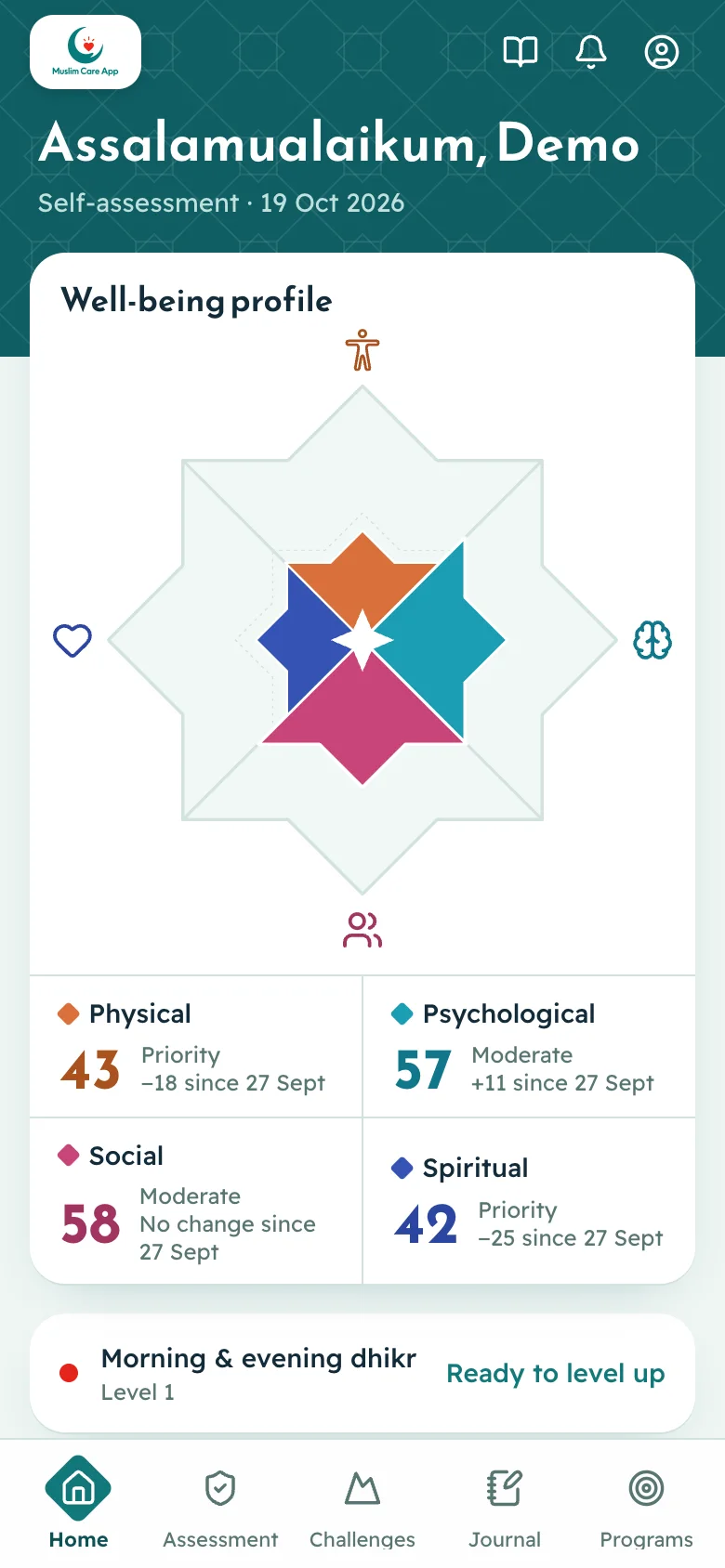
- Your four dimensionsA 10-minute self-assessment maps your physical, psychological, social and spiritual well-being.
- Guidance with its sourceName what you're facing and get practices with the Quran verse, hadith or dua behind them.
- Practices you keepTrack a practice, log it each day, and level up when you're ready.
- Programs and goalsFollow a structured program, like Monday and Thursday sunnah fasting, and set goals of your own.
- Reminders around your daySet reminders for a practice, or use a prayer-time preset such as Duha.
- A library you can take offlineArticles, recitations and quizzes on each challenge, saved to read and listen without a connection.
About Muslim Care App
Muslim Care App was developed by the Universiti Malaya research team and funded by the Universiti Malaya Research Excellence Grant (UMREG) – UMREG007-2024.
The introduction video will play here.
Project organization

Name to be added
Project lead
Research direction and project coordination
Name to be added
Researcher
Well-being research and content
Name to be added
Developer
Application design and development
Name to be added
Designer
User experience and visual design
Name to be added
Advisor
Research and implementation guidance